Here you will find:
Use the buttons below to skip to a specific section.
Introductory Video
On this site, there are various tutorials exploring SOLIDWORKS further. The video below outlines the tutorials that are available.
SOLIDWORKS Setup
MEC E 265 Tutorials for SOLIDWORKS EDU
Click on the images to download the tutorials as a *.chm or *.zip file.
For the *.chm files to run correctly, right click on the download and select unblock.
If you are having trouble, try the FAQ HERE.

Guide to SOLIDWORKS
This tutorial is an introduction to the SOLIDWORKS tutorials and the SOLIDWORKS interface. This tutorial reviews essential SOLIDWORKS terminology, controls, and features.
Time: 15 Minutes
Parts
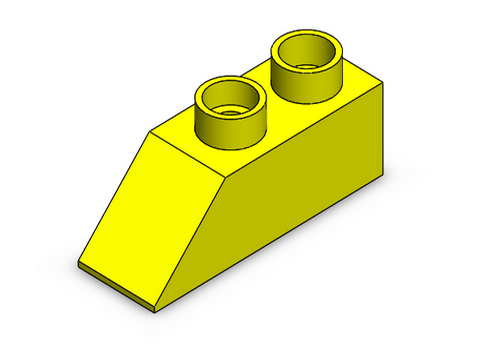
This tutorial demonstrates the creation of a SOLIDWORKS part.
Key Features: Sketch, Extruded Base/Boss, Extruded Cut, Hole Wizard, Chamfer, Shell, Fillet, editing materials, Section View.
Time: 30 Minutes
Drawings
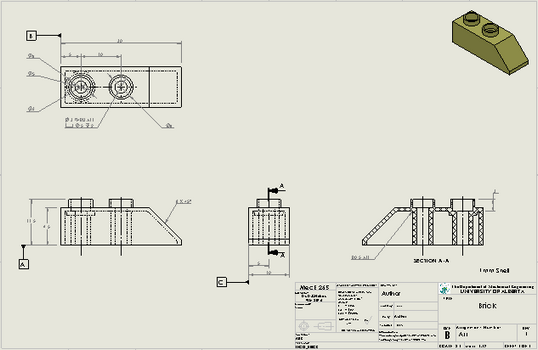
This tutorial demonstrates the creation of an engineering drawing from a solid model.
Key Features: Make Drawing from Part, editing views, Centerline, Center Mark, Smart Dimension, Datum, Note, PDF export, PackNGo.
Time: 45 Minutes
Assemblies
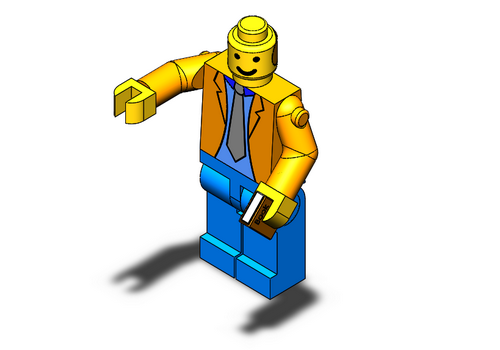
This tutorial demonstrates the creation of a SOLIDWORKS assembly and of the appropriate engineering drawings.
Key Steps: create assembly and subassemblies, make exploded view, create assembly drawing.
Time: 60 Minutes
Revolves
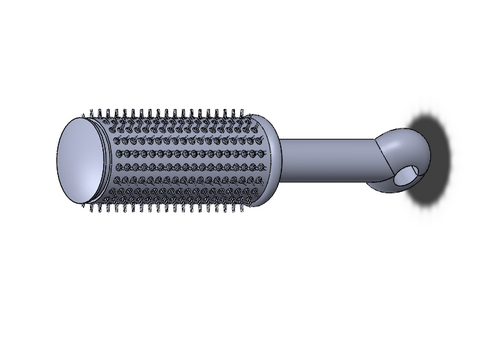
This tutorial demonstrates the use of revolve-style features.
Key Features: Revolved Boss/Base, Revolved Cut, Swept Boss/Base, Mirror, Linear Pattern, Circular Pattern.
Time: 45 Minutes
Laser Cutter
This tutorial demonstrates the use the Mec E shop's laser cutter to make a 3D object from flat material stock.
Key Steps: add offset configuration to model and drawing, create laser cutter drawing.
Time: 15 Minutes
Design Tables
This tutorial demonstrates the use of a design table in EXCEL to control the size and configuration of a SOLIDWORKS part.
Key Steps: name features/dimensions, insert design table, add configurations.
Time: 30 Minutes
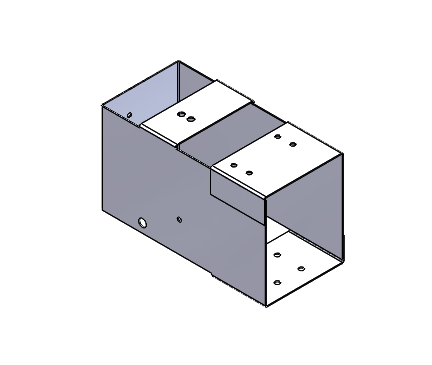
Sheet Metal
SOLIDWORKS has specific toolboxes that have been developed to allow the design of complex shapes using a specific manufacturing approach.
This tutorial explains how to use create parts using the Sheet Metal tools.
Time: 45 Minutes
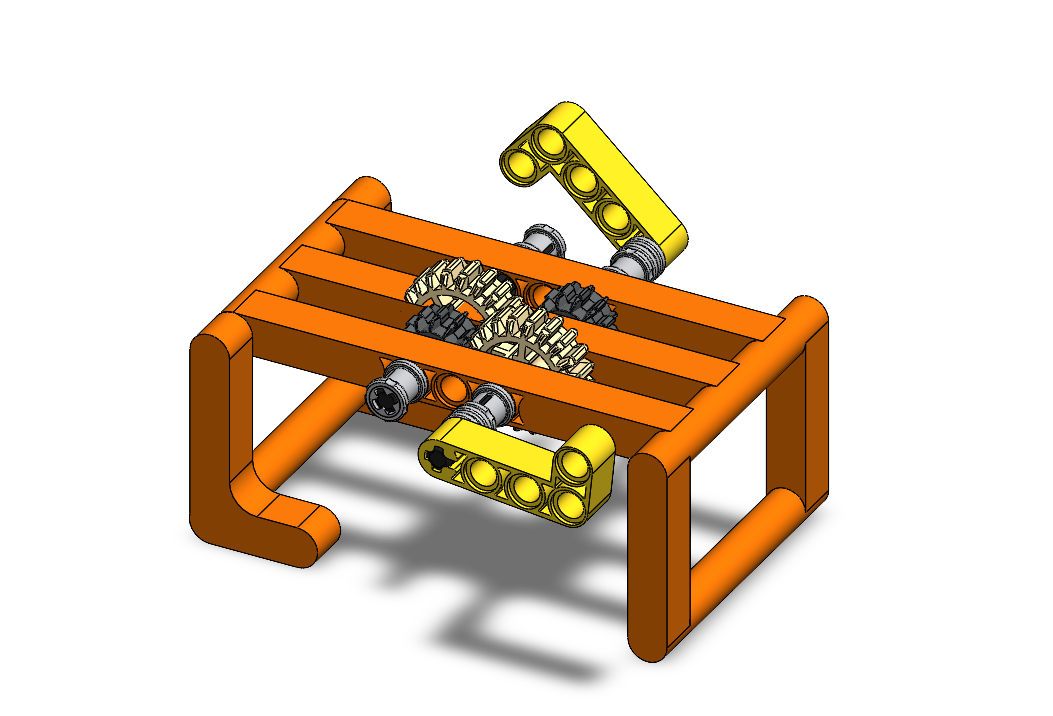
3D Printing
Some Features in SOLIDWORKS allow you to take existing assemblies and modify them into 1 part. This is very useful for 3D printing, this tutorial explores how to use these features and how to strengthen parts for 3D printing.
Time: 45 Minutes
Tolerancing
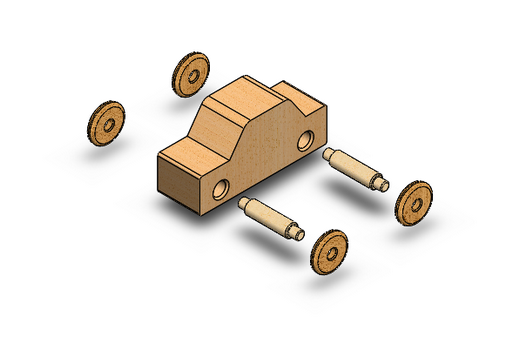
Solid models are built in the virtual world where all dimenisons are mathmatically perfect.
This tutorial explains the concepts and uses of tolerancing to allow components to be manufacture to achieve a function.
Time: 30 Minutes
Animation
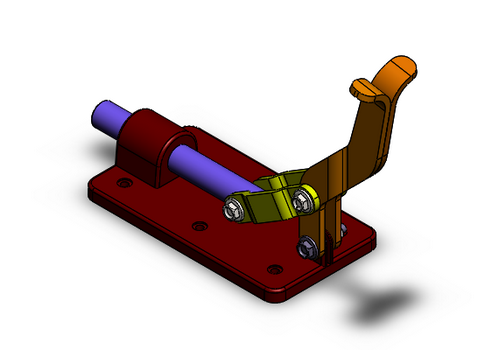
Once a solid model is built, it can be used for many different engineering processes.
As and introduction, this tutorial shows how to perform a motion study and animate assemblies.
Time: 60 Minutes
Review
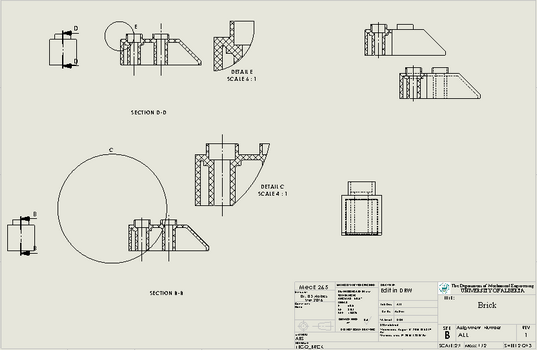
A lot of concepts are covered in MecE 265. This tutorial acts as a review with a focus on engineering drawings.
Time: 30 Minutes
MCTR 265 Tutorials for SOLIDWORKS EDU
Click on the images to download the tutorials as a *.chm or *.zip file.
For the *.chm files to run correctly, right click on the download and select unblock.
If you are having trouble, try the FAQ HERE.
Guide to SOLIDWORKS
This tutorial is an introduction to the SOLIDWORKS tutorials and the SOLIDWORKS interface. This tutorial reviews essential SOLIDWORKS terminology, controls, and features.
Time: 15 Minutes
Using Design Libraries
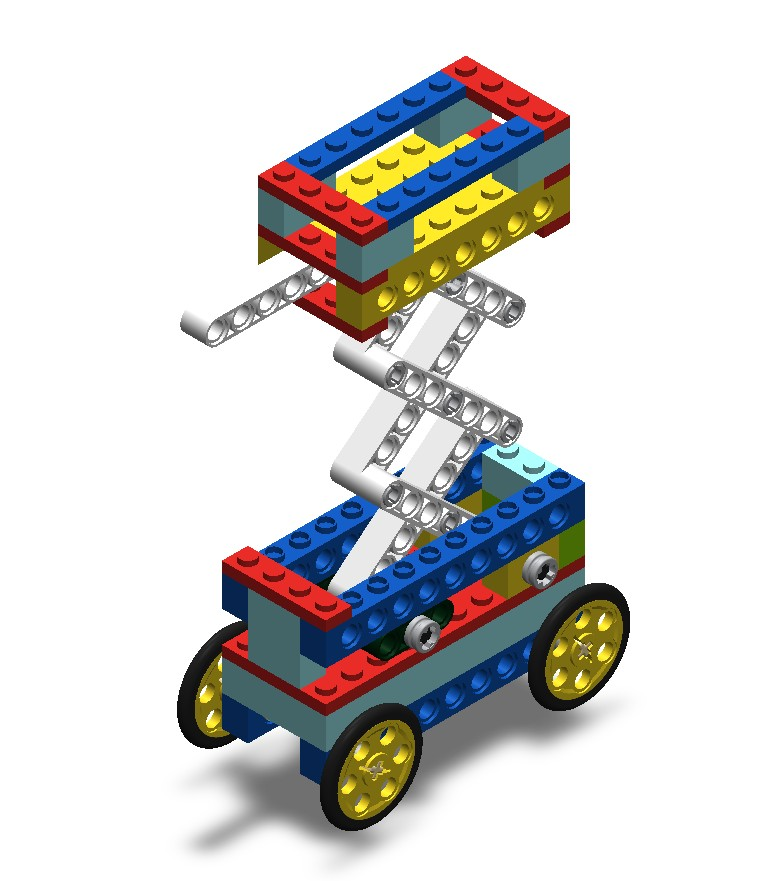
Design Libraries are a useful tool when dealing with many copies of the same parts. This tutorial will teach you how to add and use a custom design library, as well as best practices for mating technic pieces together.
Time: 15 Minutes
The Tech Block Library
This is the Tech BLock Library for you to download and install.
Time: 1 Minutes
Parts
This tutorial demonstrates the creation of a SOLIDWORKS part.
Key Features: Sketch, Extruded Base/Boss, Extruded Cut, Hole Wizard, Chamfer, Shell, Fillet, editing materials, Section View.
Time: 30 Minutes
Drawings
This tutorial demonstrates the creation of an engineering drawing from a solid model.
Key Features: Make Drawing from Part, editing views, Centerline, Center Mark, Smart Dimension, Datum, Note, PDF export, PackNGo.
Time: 45 Minutes
Assemblies
This tutorial demonstrates the creation of a SOLIDWORKS assembly and of the appropriate engineering drawings.
Key Steps: create assembly and subassemblies, make exploded view, create assembly drawing.
Time: 60 Minutes
Revolves
This tutorial demonstrates the use of revolve-style features.
Key Features: Revolved Boss/Base, Revolved Cut, Swept Boss/Base, Mirror, Linear Pattern, Circular Pattern.
Time: 45 Minutes
3D Printing
Some Features in SOLIDWORKS allow you to take existing assemblies and modify them into 1 part. This is very useful for 3D printing, this tutorial explores how to use these features and how to strengthen parts for 3D printing.
Time: 45 Minutes
Tolerancing
Solid models are built in the virtual world where all dimenisons are mathmatically perfect.
This tutorial explains the concepts and uses of tolerancing to allow components to be manufacture to achieve a function.
Time: 30 Minutes
Animation
Once a solid model is built, it can be used for many different engineering processes.
As and introduction, this tutorial shows how to perform a motion study and animate assemblies.
Time: 60 Minutes

Projectile Motion
Will comfigure and then use this Projectile Motion Tutorial to explore potential soluions for landing a gumball into a gumball machine with a catapult
Time: 60 Minutes

FEA of Bending Beam
Will use Finite Element Analysis (FEA) to develop the design of the catapult arm using in the Projectile Motion Tutorial
(Get files from there)
Time: 60 Minutes
Review
A lot of concepts are covered in MecE 265. This tutorial acts as a review with a focus on engineering drawings.
Time: 30 Minutes