Toggle Background Grid On or Off
Creating your own layouts
Creating custom layout elements within the sitecore templates is done using a combination of the grid CSS, HTML and jQuery.
By default, the columns in Sitecore are set using the .griditem class and a set width. In order to customize within any of these columns, you need to turn off the .griditem class and use the .griditemouter class so that you can place .griditem elements within the column.
Without this change, .griditems will not fit in the container OR content will stretch outside of the 960px width.
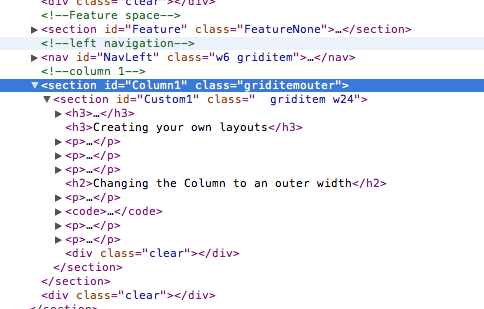
Changing the Column to an outer width
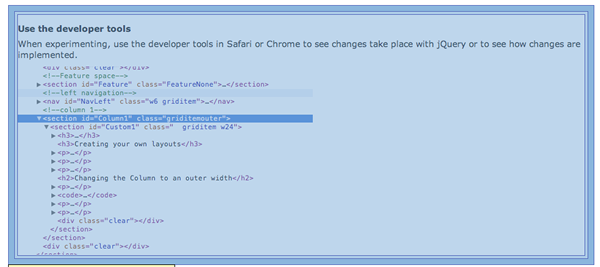
Use jQuery to change the dimensions on the Column where you will build a custom layout. For this example. we need to change column 1:
$(document).ready(function() {
	$("#Column1").attr("class","griditemouter");
});
This code is added to the Javascript section of the page in Sitecore as follows:
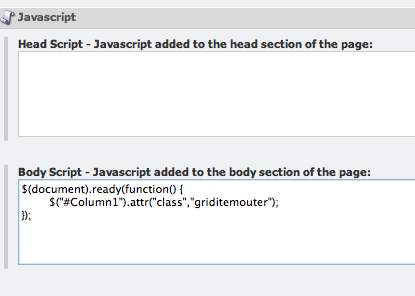
With the DOM loaded, the #Column1 section now has no margins or padding applied. To see how this changes the alignment to the grid, toggle the background grid on/off.
Fix/unfix this section by applying the proper classes class="griditem w24"